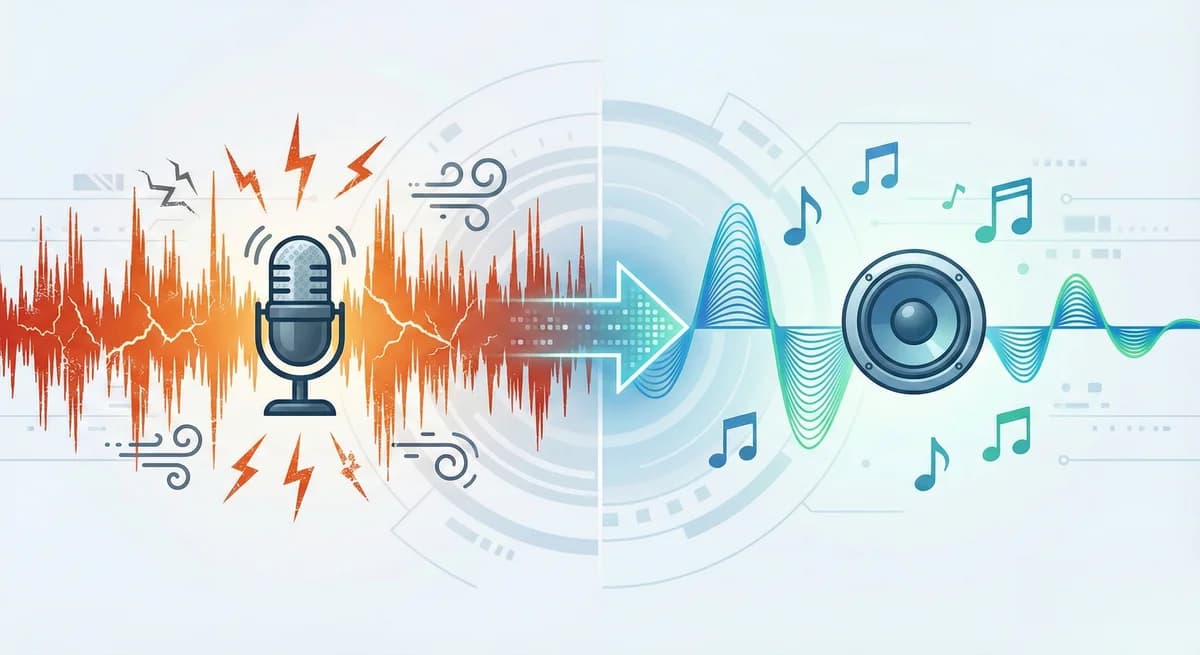
You’ve recorded a great podcast or filmed an important video. But when you play it back, you notice that annoying sound: a constant hum, the sound of an air conditioner, or distant traffic. This lowers the quality of your content and causes listeners to lose interest.
In the past, solving this required expensive audio engineering software or complex programs. Not anymore. With the ConvertSafely Noise Remover tool, you can make your audio files crystal clear without any technical knowledge.
Clean your audio file in seconds and achieve professional results using the tool below.
What is Background Noise and Why Remove It?
Background noise is any unwanted sound heard behind the main audio source. This is usually caused by microphone quality, the recording environment, or signals emitted by electronic devices.
The most common types of noise are:
- White Noise: Continuous hissing or static sounds.
- Environmental Sounds: Wind, traffic, fans, or AC units.
- Electrical Noise: Hum or buzz caused by cables and interference.
Why should you clean it? A noisy audio file looks amateur. Whether it's a YouTube video, a school assignment, or a business presentation, clear audio is the biggest indicator of professionalism. Clean audio prevents listener fatigue and ensures your message is understood clearly.
How to Clean Audio Step-by-Step with ConvertSafely
ConvertSafely uses advanced Artificial Intelligence (AI) algorithms to separate human speech from background noise. This process is fully automated. You don't need to mess with complex settings.
Here is exactly how to do it:
Step 1: Upload Your File
Open the Noise Remover tool on the ConvertSafely homepage. Drag and drop the audio or video file you want to clean into the box. Alternatively, click the "Choose File" button to select a file from your computer or phone.
Step 2: Wait for Processing
Once your file is uploaded, the system automatically starts analyzing it. Our advanced algorithms detect and delete background wind, hum, and static while preserving speech sounds. Depending on the file size, this usually takes just a few seconds.
Step 3: Download the Cleaned File
When the process is complete, you can listen to a preview of your cleaned file. If you are happy with the result, click the "Download" button to save the file to your device. Your file is now ready to use.
Why Choose ConvertSafely?
There are many audio editing tools on the internet. However, ConvertSafely stands out with its focus on user experience and quality. Here is what sets us apart:
- Preserves Audio Quality: Most noise reduction tools distort the main voice making it sound robotic while deleting background sound. ConvertSafely targets only unwanted frequencies while keeping the natural tone of the human voice.
- No Software Installation: You don't need to download any software to your computer or phone. It works 100% online via your browser (Chrome, Safari, Firefox, etc.).
- Completely Secure: Your privacy is important to us. Uploaded files are encrypted on our servers and automatically deleted permanently shortly after the process finishes. No one else can access your files.
- Multi-Format Support: We support not only MP3 but also many popular audio formats like WAV, M4A, AAC, and video formats like MP4.
Frequently Asked Questions (FAQ)
1. Is this service really free? Yes, the ConvertSafely Noise Remover tool is completely free. We do not ask for membership or hidden fees.
2. Which file formats can I clean? You can clean common audio formats like MP3, WAV, FLAC, M4A, as well as the audio from your videos (MP4, AVI).
3. Can I remove noise on my phone? Absolutely. Our site is mobile-friendly. You can easily edit your audio files by accessing the browser from your Android or iOS device.
4. How long does the process take? While it depends on the length and size of the file, an average song or voice recording is cleaned within 10-20 seconds.
You Might Also Like
Need to change the format after editing your audio files? Check out our other tools:
- Audio Converter: Convert your audio files to different formats.
- Video to Audio: Extract audio from your videos and save them as Audio.